 PDF Archiver
1
Scan it.
Point your iPhone at the page.
The scan lands in your inbox, cropped and straight. Text recognition runs on your device — nothing is uploaded, nothing waits on a server.
An archive that outlasts the app. No database, no server, no lock-in — just folders and files that stay yours.
Nothing leaves your device · Two weeks free, no account
MastodonNo workflow to learn. Point, check, done.
Point your iPhone at the page.
The scan lands in your inbox, cropped and straight. Text recognition runs on your device — nothing is uploaded, nothing waits on a server.
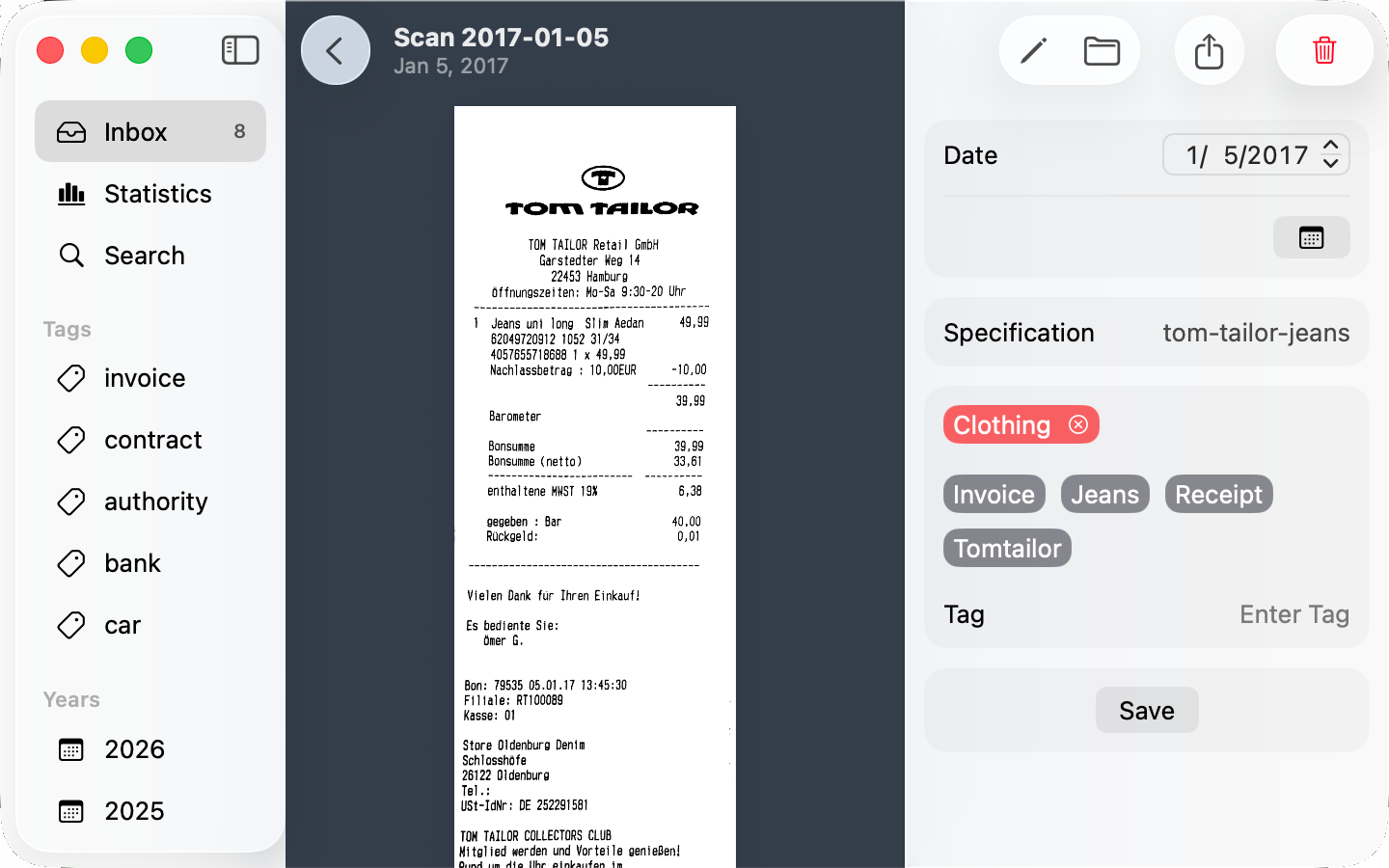
Date, description, tags.
Apple Intelligence suggests all three, on your device. On the Mac, ⇥ moves between fields — check them, press ⌘S, and the document is renamed and moved to your archive.
Search a tag, or the text inside.
It works in PDF Archiver, in Spotlight, in the Finder, and in whatever file manager you happen to open.
_bill-leaseenergyWidgets show what's still untagged. Shortcuts automate what you do often. The share sheet takes documents from any other app.
Already have PDFs? Drop them in — from your scanner, a mail attachment, your downloads folder.
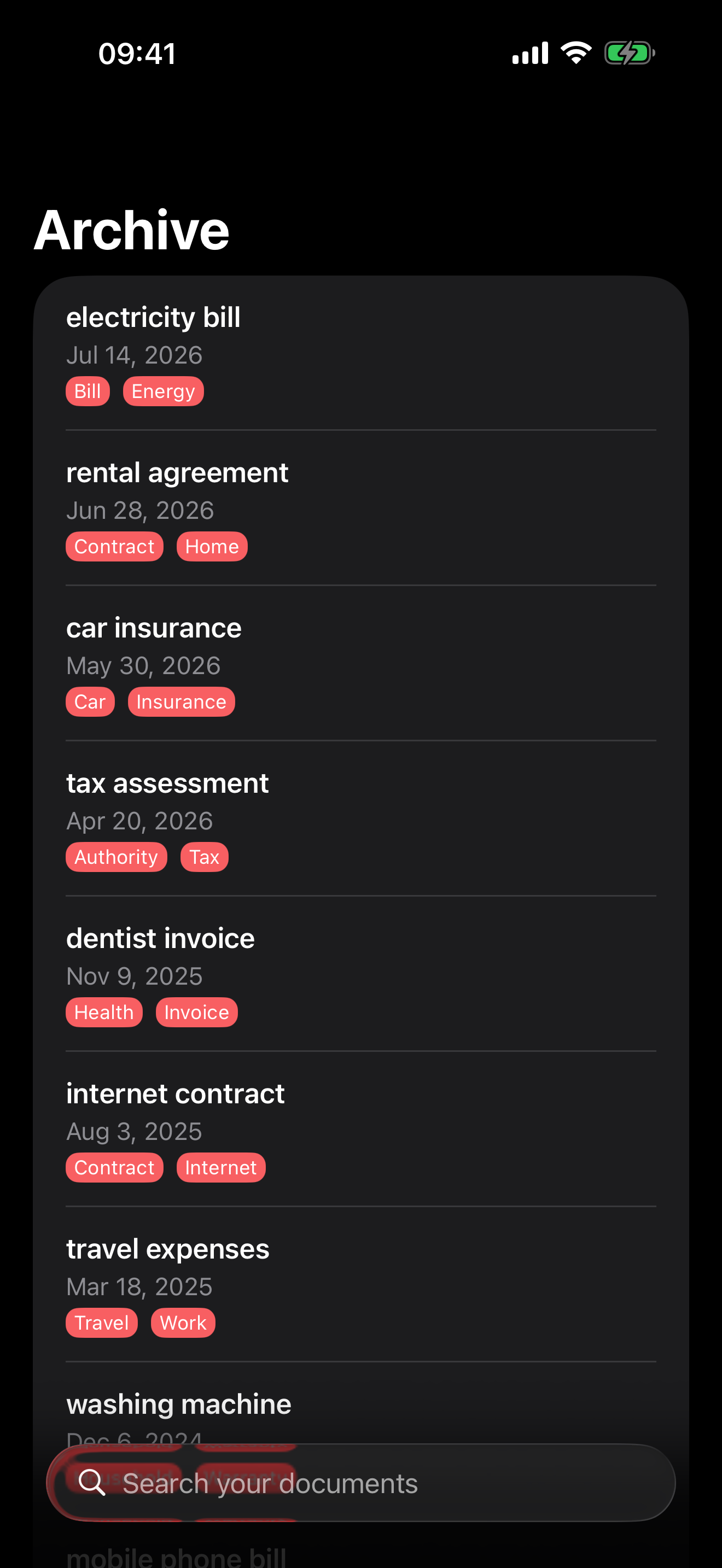
Your archive is a folder of PDFs, sorted by year. This is the filename from above, at rest.
Date, description, tags — written into the name. No capitals, no spaces, no umlauts, so the names survive every filesystem they land on.
Copy the folder to a backup drive, a NAS, a Windows machine. It stays readable. In ten years, it still will be — with or without this app.
Archive/
├── 2017/
│   └── 2017-05-12--apple-macbook__apple_bill.pdf
└── 2026/
    ├── 2026-03-12--electricity-bill__energy_bill.pdf
└── 2026-04-02--lease-agreement__flat_contract.pdfThere is no PDF Archiver server to send documents to.
No sign-up, no password, no email address.
iCloud Drive, a local folder, or any folder you point the app at.
The code is on GitHub, if you want to check.
One developer, still shipping updates today.
Questions go to one developer, not a ticket queue.
The Mac app uses a simple file name convention, which simply notes keywords, dates and descriptions in the file name of the documents and can therefore be used largely independently of the operating system, cloud provider and Mac or PC application.
With the PDF Archiver I have finally managed to bring some order and structure to my PDF collection with receipts, contracts and other documents that I have been building since 2014.
Until now, all PDFs with cryptic file names were stored in a single folder. With the help of PDF Archiver I have finally been able to structure my accounting.
Two weeks free. No account, no credit card. After the trial you can subscribe, or buy the app once and keep it.

The FAQ answers the ones we get most.
Still stuck? Write to us on Mastodon or send an email.